Heft
See what's heavy. Reclaim what's not. Survey your whole drive in seconds, see where space went, and clean it up — safely.
Requires macOS 14 Sonoma or later · Apple silicon & Intel
See what's heavy. Reclaim what's not. Survey your whole drive in seconds, see where space went, and clean it up — safely.
Requires macOS 14 Sonoma or later · Apple silicon & Intel
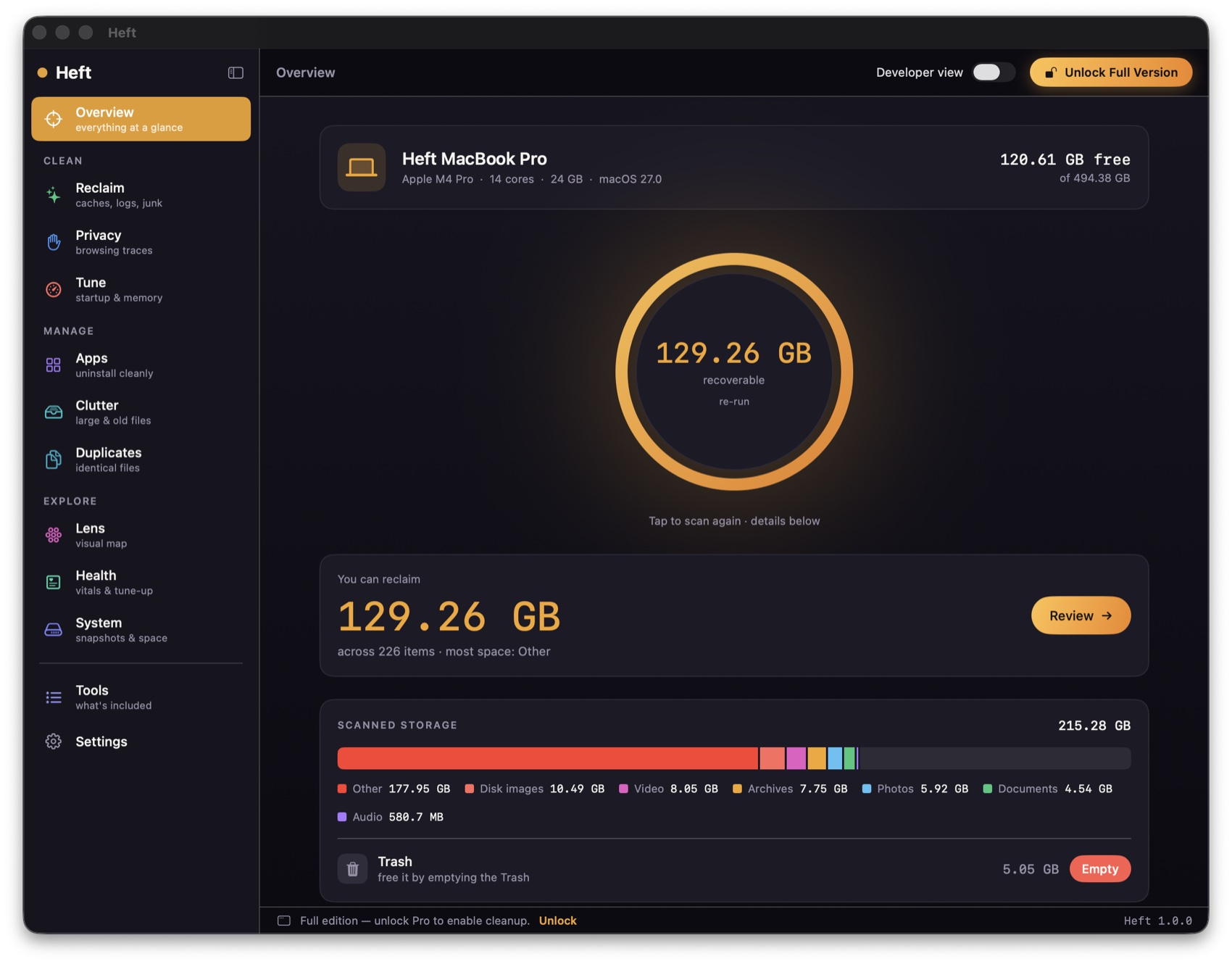
Scan your whole drive in seconds, broken down by file type, with trends over time.
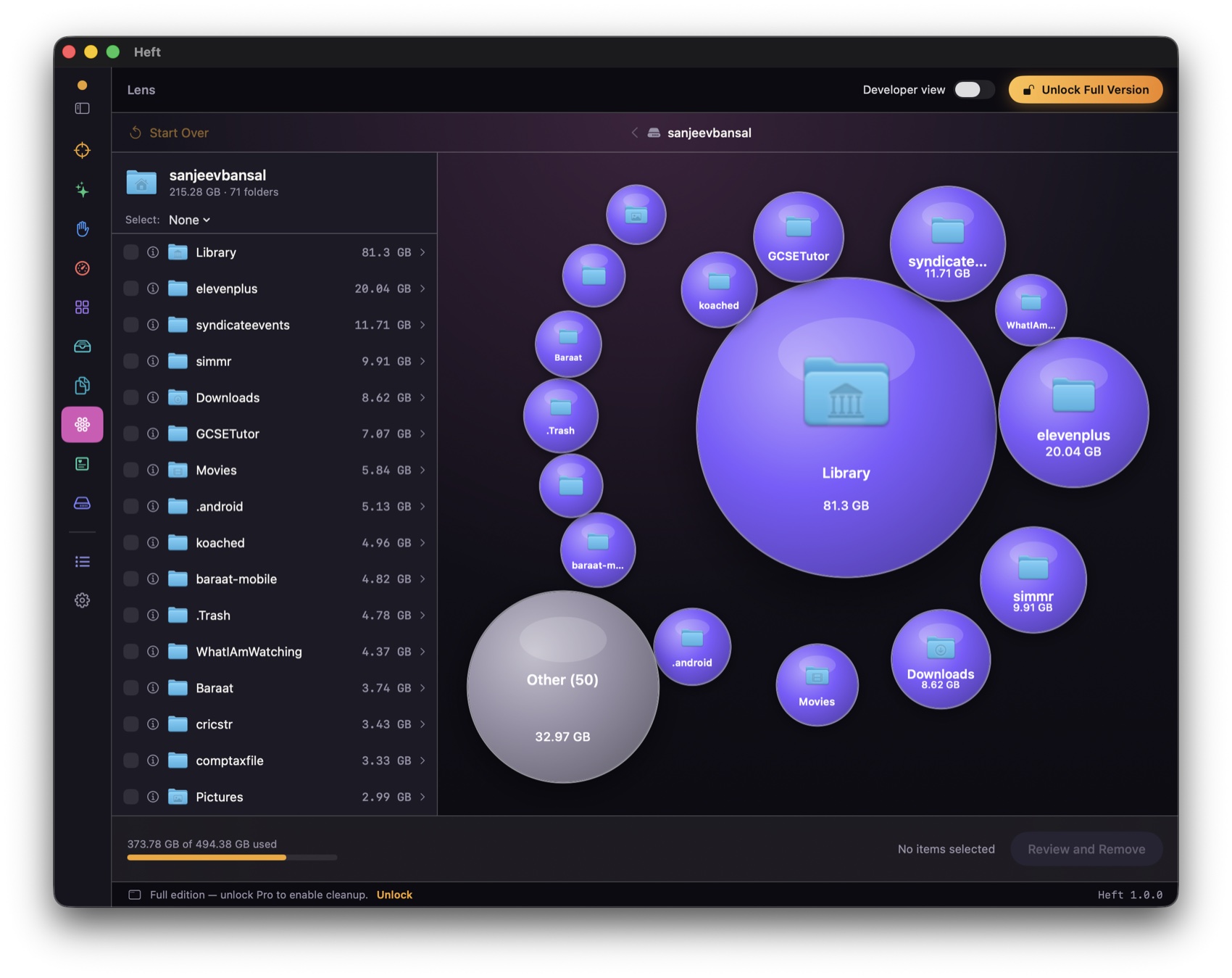
Explore folders as a bubble map and a drill‑down list, side by side.
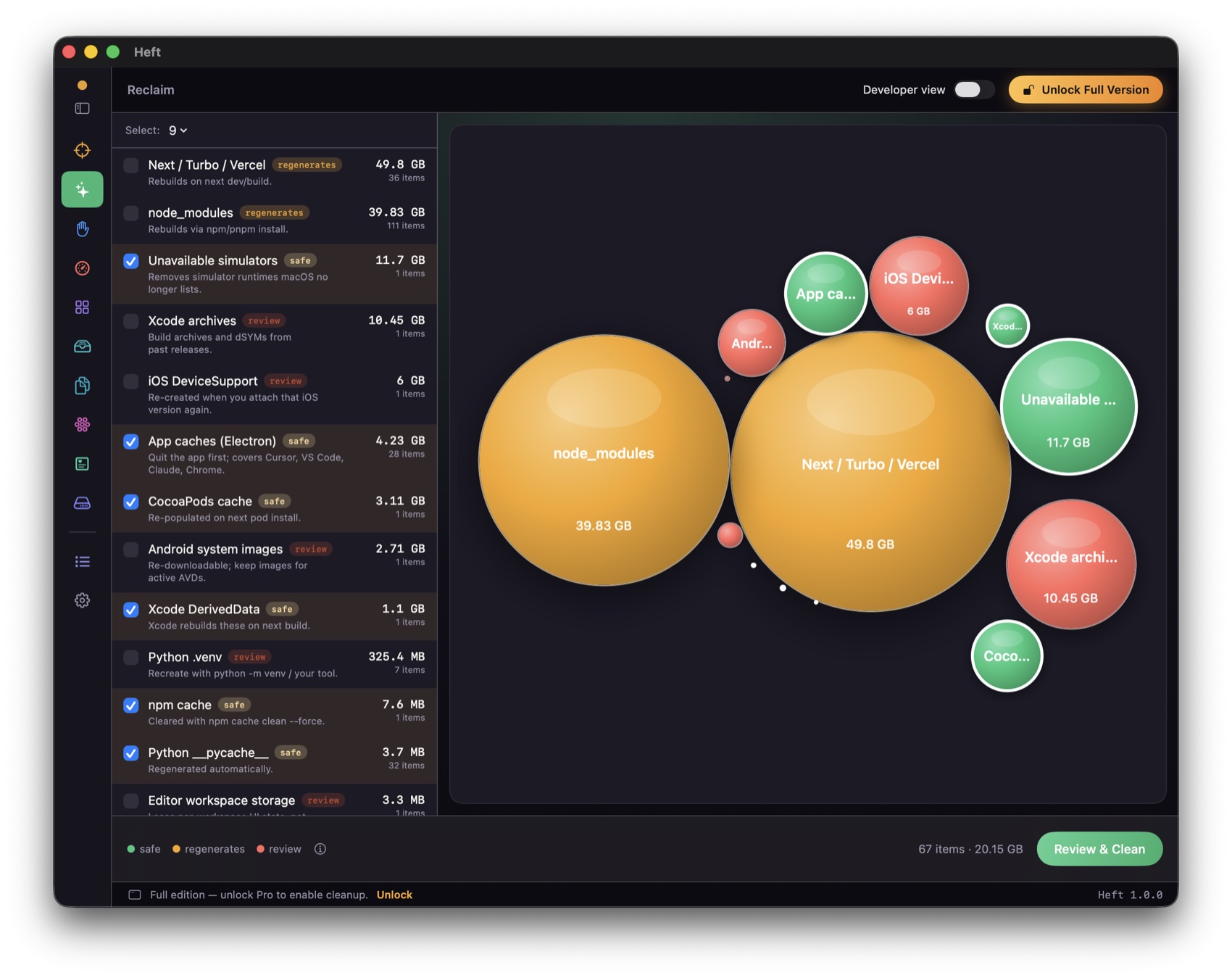
Clear caches, logs, and developer junk — graded by safety, moved to the Trash.
Find your largest and oldest files, filterable by type.
Find byte‑identical files and keep just one.
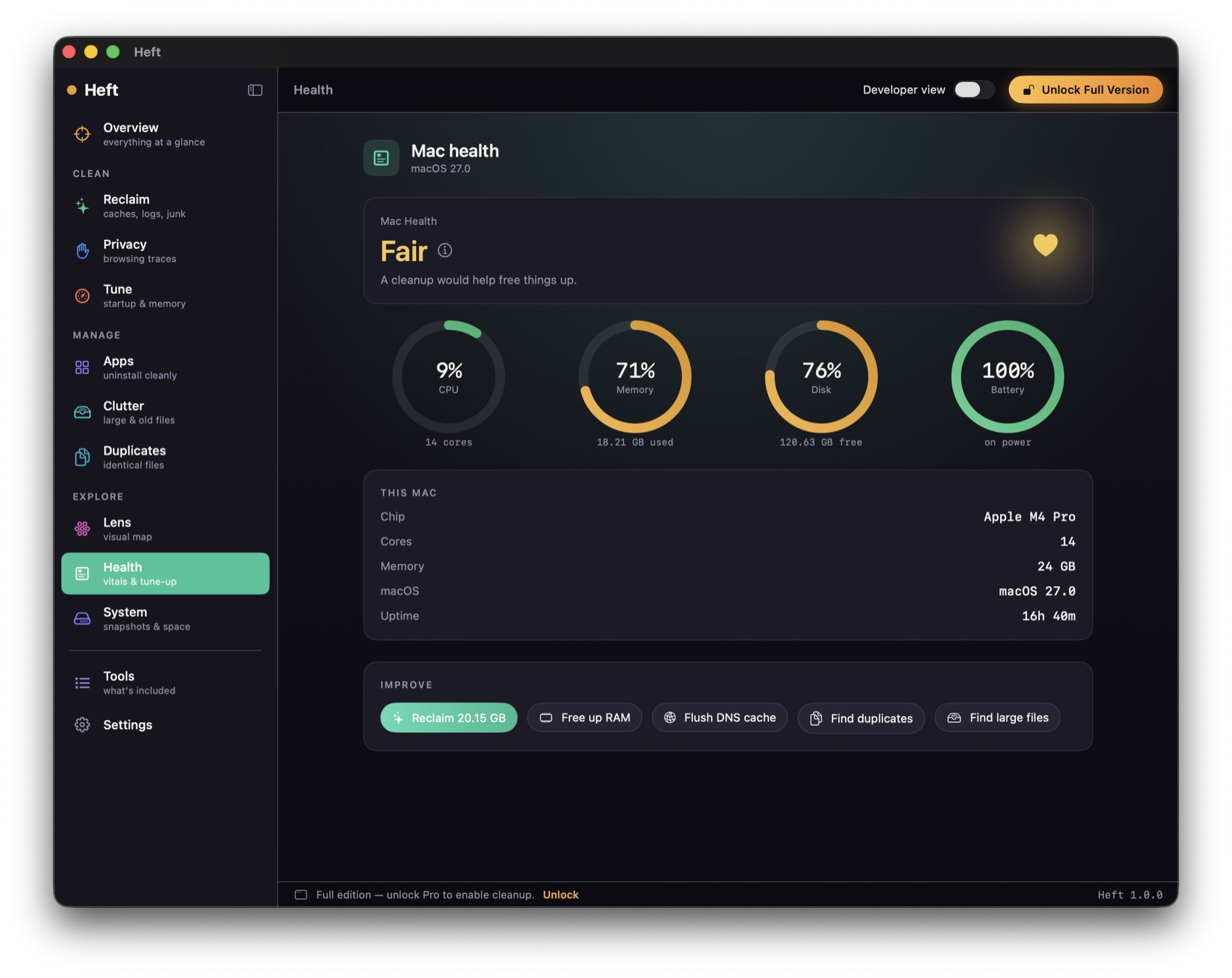
Live disk, memory, CPU, and battery, with one‑tap tune‑ups.
Free to download · one‑time license unlocks cleanup.
Analysis is free. Buy a license — $9.99 to unlock cleanup.
Analysis free · cleanup is a $4.99 in‑app unlock.
Yes. Cleanup moves items to the Trash by default, so anything is recoverable until you empty it. A dry‑run preview shows exactly what will be removed before anything happens.
No. Heft runs entirely on your Mac and collects nothing. See our privacy policy.
Surveying your whole drive and cleaning system files needs access Apple's sandbox doesn't allow. The App Store edition is a sandboxed version; the full edition is distributed directly, notarized by Apple.
The full edition checks for updates and installs them in place. App Store edition updates through the App Store.